
Search logs
You can search NXLog Platform audit and system logs by following these steps:
-
Depending on the type of logs you are interested in, navigate to:
-
Logs > Audit.
-
Logs > System.
-
-
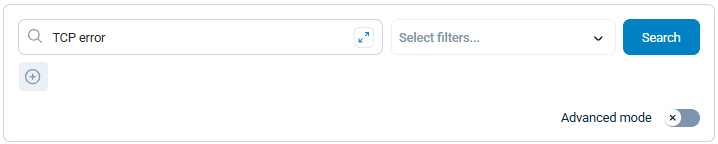
In the Search panel, type your search terms.
-
Click the Search button.
-
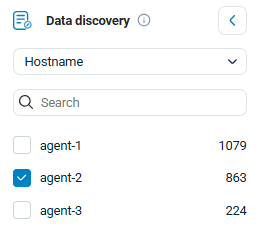
You can further refine the search results by using filters, adjusting the logs timeline, and selecting entries in the search results panel.
Once you are satisfied with the search, you can export the results.