User account management
The Account page provides you with convenient access to your user account settings. From this page, you can:
-
Update your personal information, such as your name, email address, and phone.
-
View your roles in the current organization.
-
Change your password.
-
Set up two-factor authentication for an extra layer of security.
-
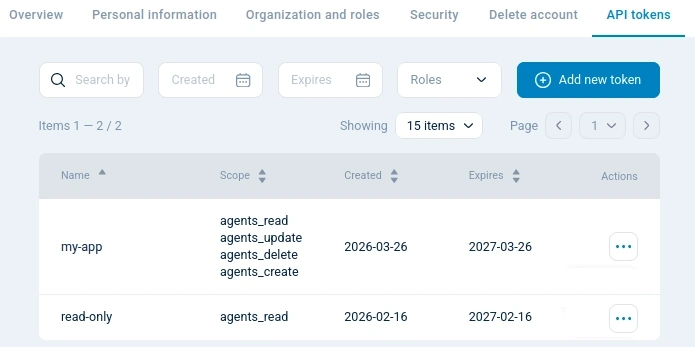
Manage your API tokens.
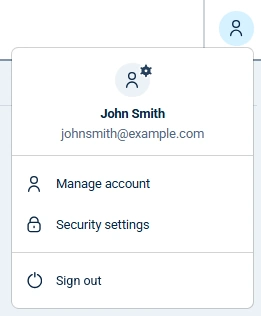
To access your account settings, click the User account menu from the top menu bar and select Manage account.
Overview
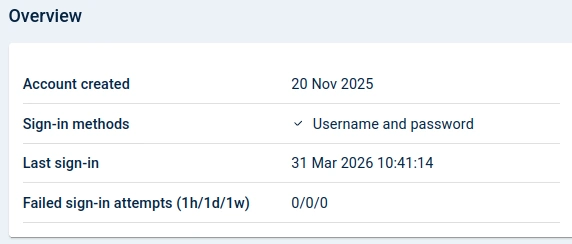
Overview displays a summary of the account activity.
| Field | Description |
|---|---|
Account created |
The date when the account was created. |
Sign-in methods |
The authentication methods configured for the account, such as username and password or SSO. |
Last sign-in |
The date and time of the most recent successful sign-in. |
Failed sign-in attempts (1h/1d/1w) |
The number of failed sign-in attempts in the last hour, day, and week. |
Personal information
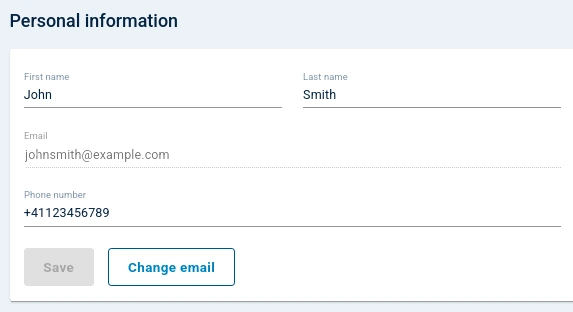
Personal information is where you can update your name, email address, and phone number.
Changing your email address requires NXLog Platform to send a confirmation email. Ensure a mail server is configured before attempting to change your email.
Organization and roles
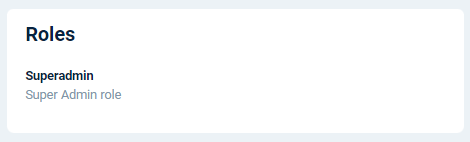
Organization and roles shows the roles assigned to you in the NXLog Platform organization. See Roles and permissions for more information.
Security
Security provides settings to secure your user account.
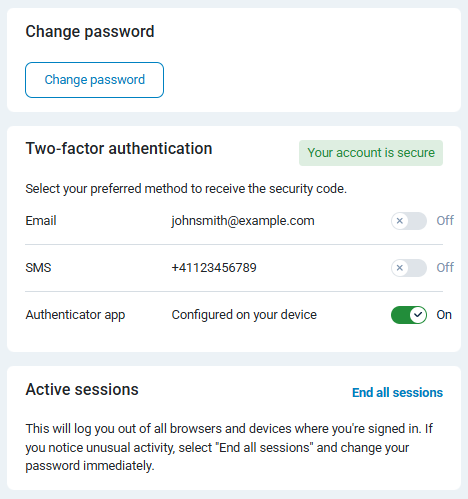
| Setting | Description |
|---|---|
Password |
Reset your password using the Change password button. Passwords must:
See Change your password for instructions. |
Enable two-factor authentication |
Configure two-factor authentication for your account for an extra security layer. See Activate two-factor authentication for more information. |
API tokens
API tokens allows you to create and manage tokens to use the NXLog Platform API.